
To actively monitor your shipment and ensure its proper handling, it is necessary to provide us with the tracking link in your request once your samples are dispatched. Please follow the steps below to provide the tracking number or watch this video:
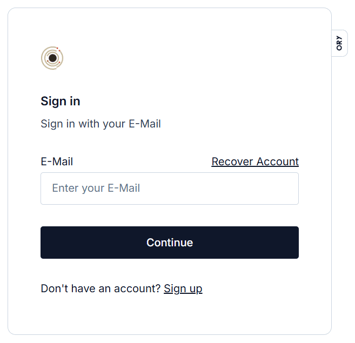
1. Visit our website and sign in to your account.
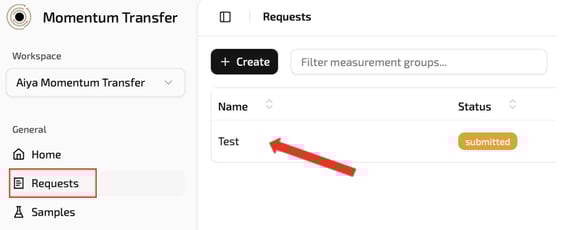
2. Go to “Requests” and click on your request.
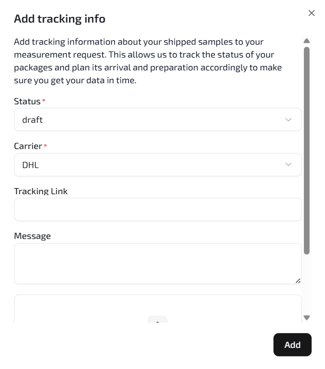
3. Click the “Add” button located on the right side of the Tracking Info section

4. Please enter your full tracking link in the “Tracking Link” field. If the carrier requires a name or passcode to view the shipment status, include those details in the “Message” field. You may also add the tracking number in the “Message” field if helpful.
Congratulations! You have successfully provided us with the tracking information.