
If your measurement results have been published, you can link the publication to your sample by adding its DOI (Digital Object Identifier) to the sample metadata. This keeps your data and the related publication connected and supports data provenance.
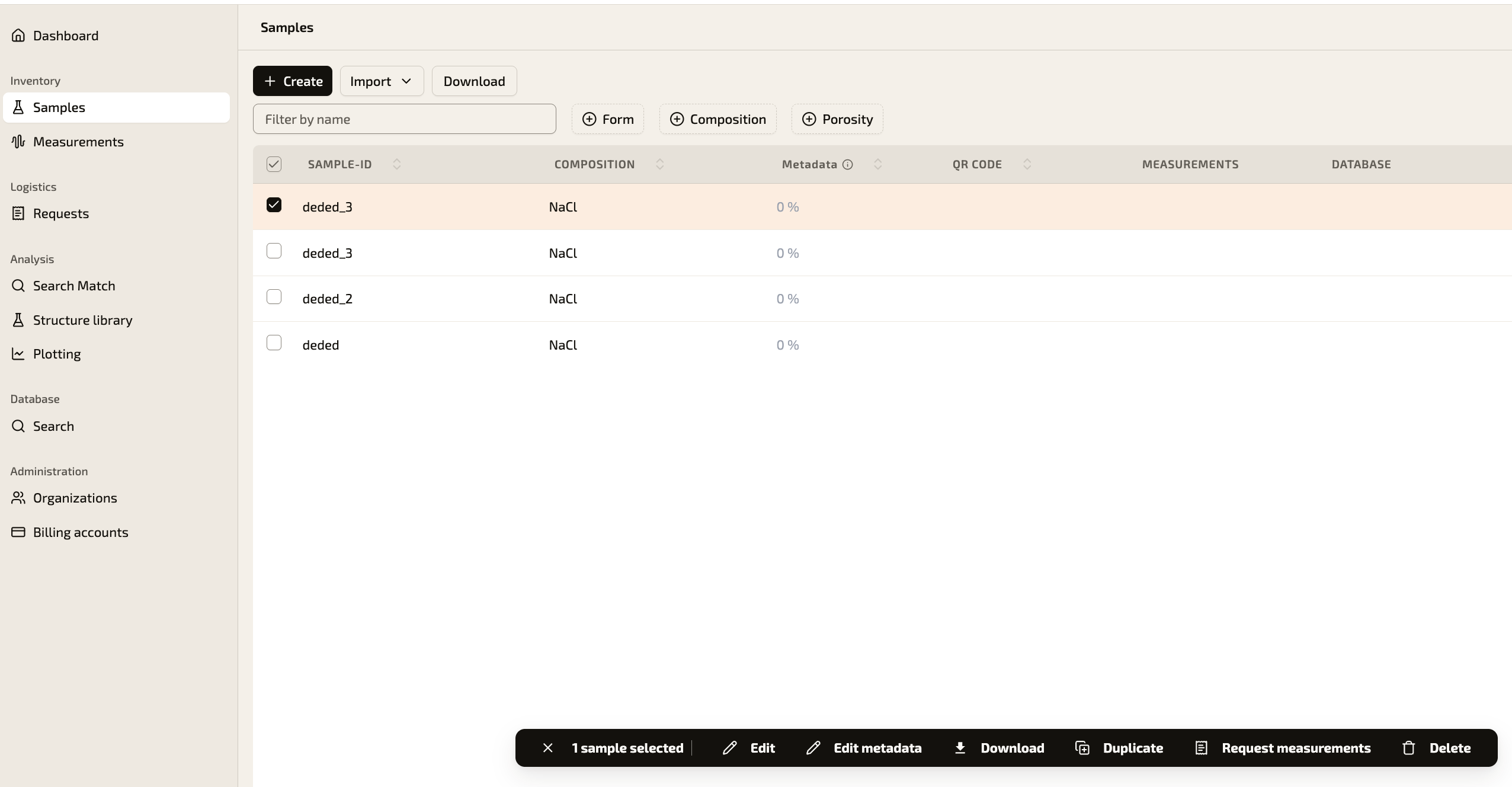
Step 1: Open the sampleSign in to your account at https://app.momentum-transfer.com/ and go to "Samples" in the left-hand menu. Select the sample by ticking the checkbox next to its name, then click "Edit metadata" in the bar at the bottom of the page.
Step 2: Open the metadata editor
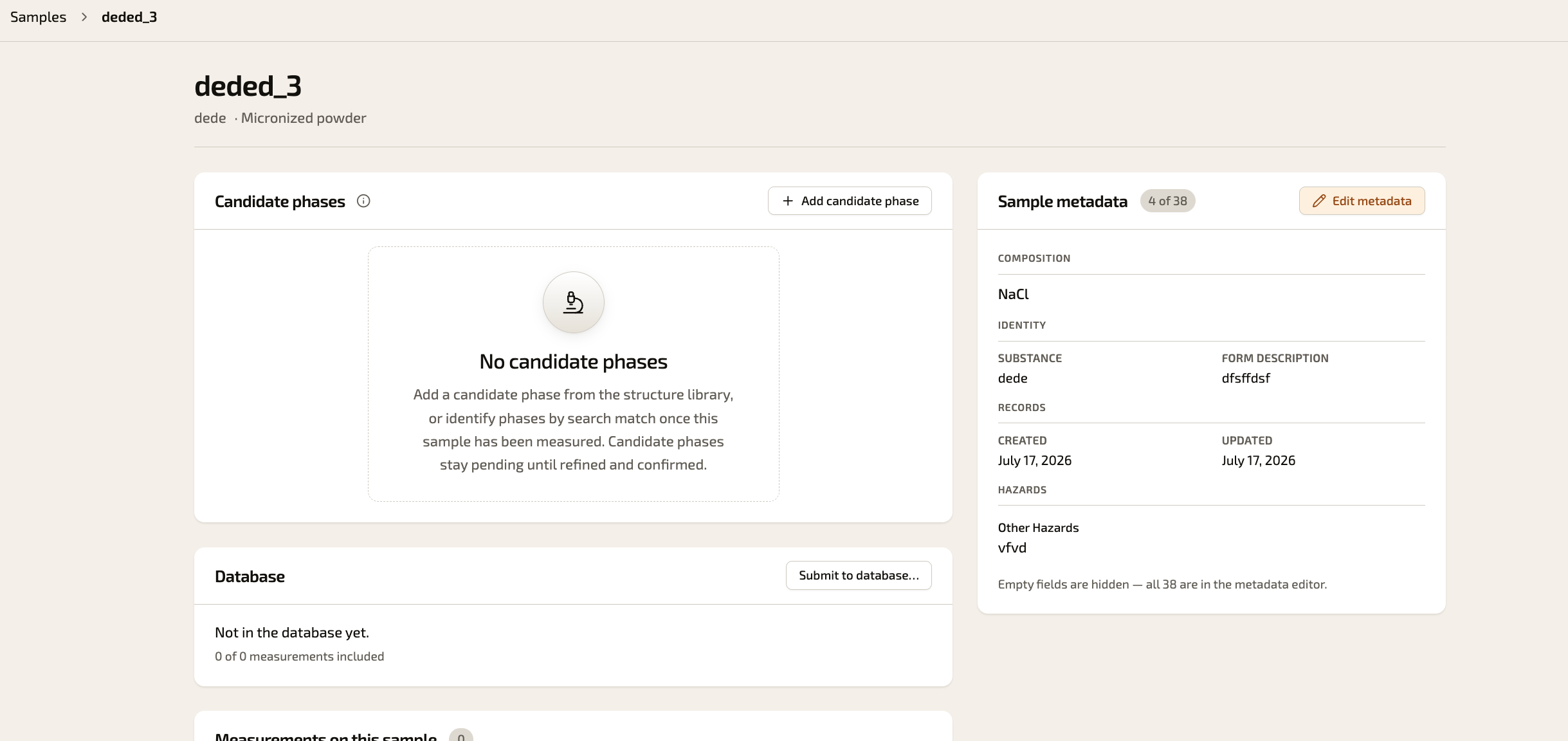
On the sample page, click "Edit metadata" in the "Sample metadata" panel at the top right.
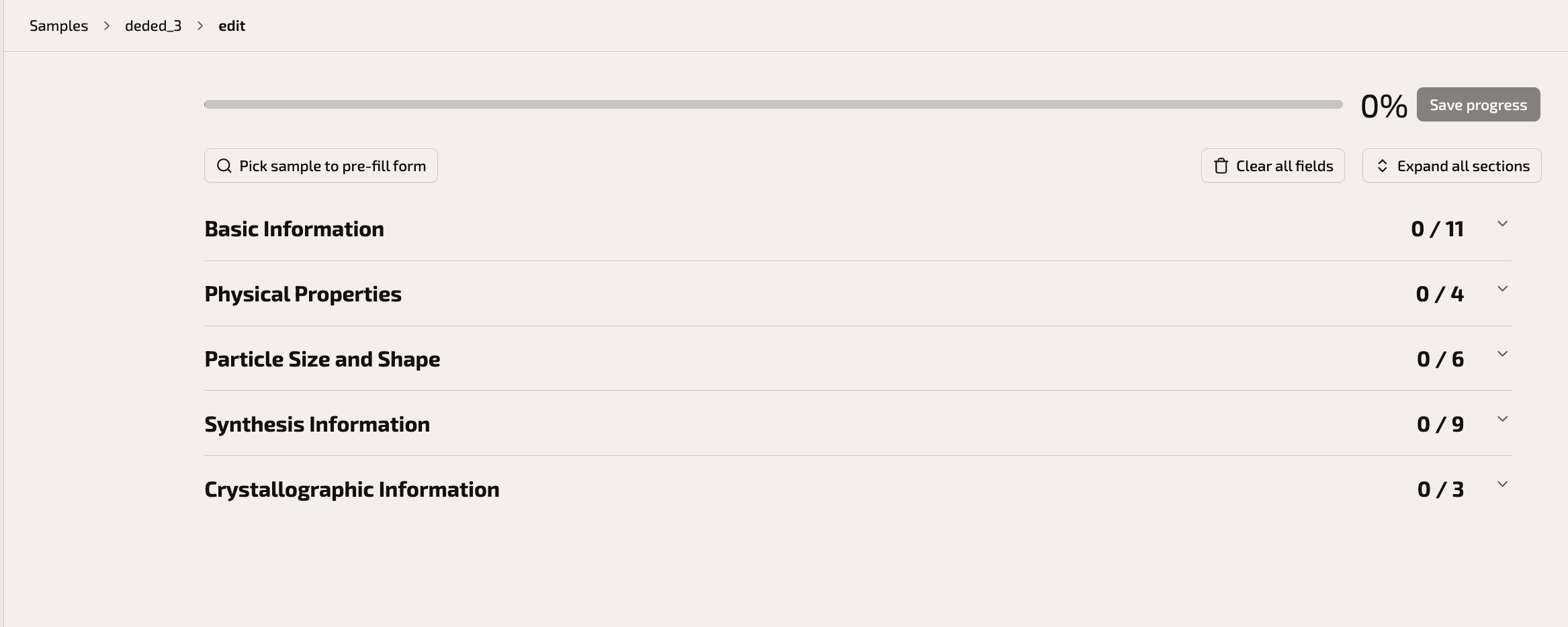
The metadata form is organised into several sections. Click "Basic Information" to expand it.
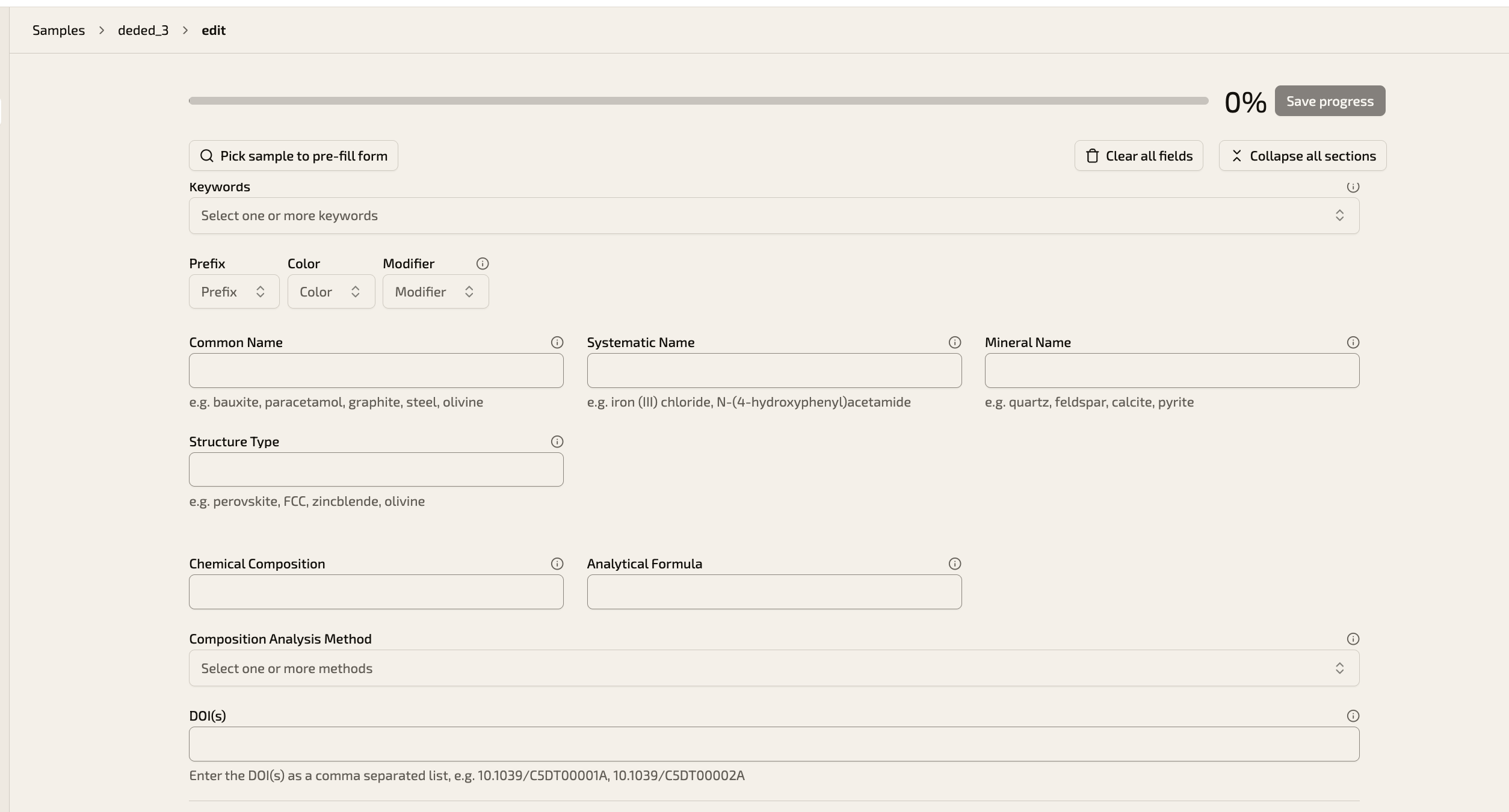
Scroll down to the field "DOI(s)" and enter the DOI of your publication, for example 10.1039/C5DT00001A. If there are several publications for this sample, enter the DOIs as a comma-separated list. Then click "Save progress" to save your changes.
You can return to the metadata editor at any time to add further DOIs, for example when a new publication appears.