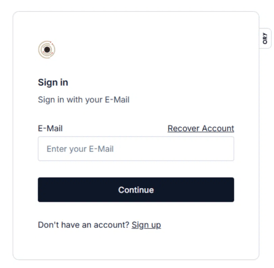
When you click the link in the invitation email, you will be taken to the sign-in page of our data portal. If you do not have an account yet, please create one first:
- Click on "Sign up" and register with the same email address the invitation was sent to. You can find a step-by-step guide here.
- During registration, you will be asked to create an organization of your own. This step is required to complete your registration, even though you will not need this organization. You can simply enter any name.
- Once your registration is complete, you can accept the invitation. You will then be a member of the organization we created for you and will be able to see your request.
Please note that invitations are valid for 4 weeks. If your invitation has expired or you cannot see your request after registering, please contact us at team@momentum-transfer.com.